
How 360 feedback tools use AI in 2026: what the leading vendors actually do

Daniele D'Esposito, Founder, Org360
, 11 min read
In plain English
Most 360 vendors now use AI in one of 4 ways. Some write parts of the report, summarizing comments and suggesting development actions. Some help the expert interpret results, the way Hogan and the Center for Creative Leadership do. Some add an AI coach inside their platform. And since 2026, several let you connect your own AI, such as Claude or ChatGPT, to their data through a connector (an MCP server).
Those connectors mostly let your AI read results and make small changes. Lattice goes furthest on reviews: your AI can draft and submit them. In the published documentation we read, none lets your AI design a 360, send it and build the final report in your own format. That is what Org360 does, alongside writing its own AI report. For two respected 360 makers, Leadership Circle and Zenger Folkman, we found no AI feature described in their 360s.
A note on who wrote this. We make Org360, one of the tools mentioned here. Everything we say about other vendors comes from their own published pages, linked below, and we say where their approach fits better than ours. If something has changed, tell us and we'll fix it.
Ask a 360 vendor whether it uses AI and the answer is almost always yes. The useful question is what the AI does, who checks it, and where your data goes. We read the product and help pages of the vendors coaches and HR teams ask us about most, and sorted what they do.
The 4 ways 360 tools use AI
- AI in the report. The tool reads the scores and comments and writes summaries, themes or development suggestions into the report.
- AI that helps the expert interpret. The AI drafts a first reading of an assessment, and a trained practitioner reviews and refines it.
- An AI coach inside the platform. A chat assistant that helps a manager or employee act on their feedback.
- A connector to your own AI. An MCP server lets Claude, ChatGPT or another assistant read your data in the tool, and sometimes act in it. MCP, the Model Context Protocol, is the open standard most vendors use for this.
What each vendor does
| Vendor | AI in the report | AI coach | Connector to your own AI |
|---|---|---|---|
| Hogan | Convogo drafts an initial interpretation for certified users to review | None found | None found |
| CCL | HiFi Conversation Analytics gives AI behavioral feedback in its programs | None found | None found |
| EchoSpan | Summaries, comment themes, development actions, editable before release | InsightScout answers questions across a project | None found |
| Lattice | AI analysis in Engagement; review drafting | HR AI agent | Yes: reads reviews, goals, feedback; drafts and submits reviews |
| Culture Amp | AI suggested improvements and highlights in Perform | AI Coach | Yes, by request: performance feedback read-only |
| 15Five | AI-assisted performance and 360 reviews | AMAYA assistant | Yes: reads reviews, cannot write to them |
| Leapsome | Not described on the pages we read | AI agents across the platform | Yes: wide read access; review edits stay drafts |
| Qualtrics 360 | Personalized reports with next steps; AI themes on open text | None found | API-level MCP for developers |
| Leadership Circle, Zenger Folkman | None described | None found | None found |
| Org360 | Claude writes the report, names removed first | No | Yes: designs, sends, chases and reports |
Hogan: AI as a first draft for the certified expert
Hogan, the personality assessment company, bought Convogo in July 2026. Convogo combines Hogan results with other inputs, such as interviews and feedback, and produces an initial interpretation that the user reviews and refines with their Hogan training. Hogan's framing is careful: the practitioner keeps judgment and control over the final reading. Hogan's assessments are self-report personality tests rather than 360s, but this is the clearest example of an assessment company putting AI in the expert's hands.
CCL: AI trained on expert judgment
The Center for Creative Leadership uses AI in its leadership programs through HiFi Conversation Analytics. It records leaders' conversations during simulations, and gives behavioral feedback alongside peer ratings. Expert human coders review transcripts line by line first, and their agreed judgments teach the AI what to look for. CCL's own summary: the AI is learning to replicate expert judgment at scale. We found no AI feature described for its Benchmarks 360s themselves.
EchoSpan: the most AI in a dedicated 360 tool
EchoSpan, a long-running 360 vendor, has added the most AI of the dedicated tools we checked: a one-page summary of each report, comment themes, gap analysis with recommended actions, reading suggestions, reports in more than 100 languages, and InsightScout, which answers plain-English questions across a whole project. Two safeguards stand out: every AI-written section can be edited and approved before release, and InsightScout never identifies raters.
Lattice: the furthest-reaching connector for reviews
Lattice MCP brings reviews, 1:1s, feedback, goals and updates into Claude or ChatGPT. Lattice says you can draft reviews from that context, and draft or submit reviews and updates without leaving the AI tool. Each user connects individually and sees only what they can already see in Lattice. That makes it powerful for managers writing reviews. For 360s used purely for development, note that the same connector that reads feedback can also finalize a performance review.
Culture Amp: AI Coach, and a cautious connector
Culture Amp's AI Coach gives managers guidance across engagement and performance, and its Perform product suggests improvements to reviews and summarizes feedback. Its MCP, available by request after an approval step, keeps performance feedback read-only and excludes active reviews; 1:1 agendas are read and write. Culture Amp publishes a clear page on its approach to AI, including which features admins can switch off.
15Five: AI-assisted reviews, read-only connector for reviews
15Five's Perform plan includes 360 reviews from managers, peers and direct reports, AI-assisted reviews and an AI assistant called AMAYA. Its MCP, included in Perform and Total Platform, can read review cycles, completion and submitted reviews you're allowed to see. It cannot write to reviews.
Leapsome: wide access, careful writes
Leapsome's MCP, included in all plans, covers 4 areas, from org context to performance and growth: goals, feedback, reviews, meetings and surveys. Admins choose which areas the connector can reach and whether it can write. Its help center says review writes only create or update drafts: the connector doesn't submit, share or finalize a review.
Qualtrics 360: scale and integration
Qualtrics 360 Development automates nominations, reminders and reporting for large programs, produces personalized reports with next steps, and connects to the HR system and learning content. Qualtrics also offers AI themes and summaries of open-ended feedback, and its API documentation mentions MCP support. This is enterprise tooling, sold by demo.
Leadership Circle and Zenger Folkman: no AI in the 360
On the product pages of two of the most respected 360 instruments for coaches, we found no AI feature described. Leadership Circle's and Zenger Folkman's AI content is about leadership itself: which human skills matter more as AI spreads. Their value sits in the model, the norms and the certified practitioner's debrief, and they seem to be keeping it that way. For many coaches that's a feature.
The pattern behind all this
Three things stand out across the vendors.
- AI writes drafts; people sign off. Hogan, CCL, EchoSpan and Culture Amp all describe a human reviewing what the AI produced before it matters.
- Connectors are built for reading. Every connector we read lets your AI pull results into a conversation. Writes are limited to things like goals, 1:1 notes and review drafts. Only Lattice describes submitting a review.
- Nobody lets your AI run the 360 itself. In the documentation we read, no connector lets your AI design a feedback survey, send it to raters and turn the results into a report in your format.
Where Org360 fits: AI used twice
Org360 uses AI in 2 separate ways, and they serve different people.
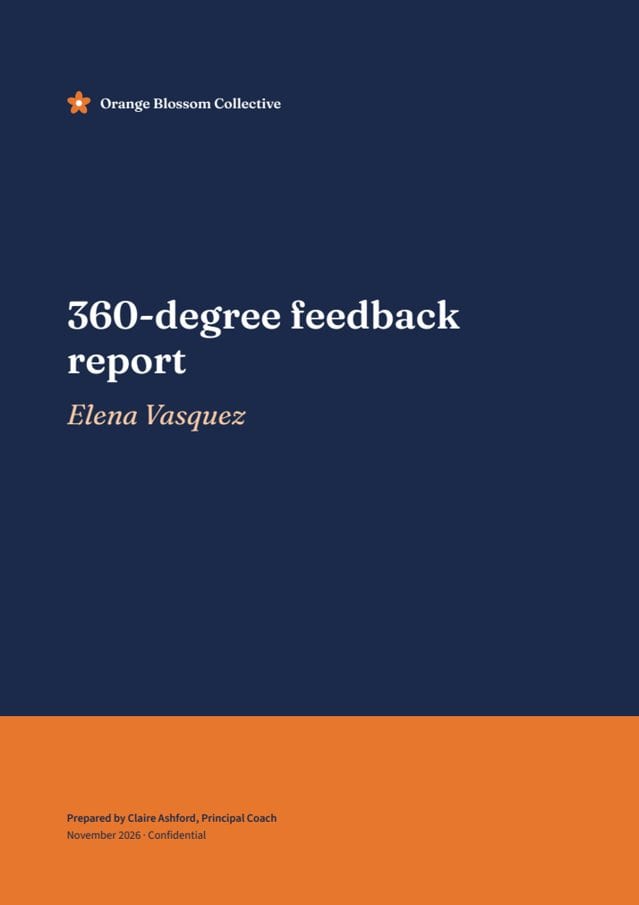
1. Org360 writes the composite report. When a 360 closes, Claude writes the report: scores, the leader's self-rating next to everyone else's, strengths, areas to develop and a 6-month plan. Before any text goes to the AI, respondents' names and email addresses are left out and names of people and organizations are removed from comments. Our AI connection is set so the data isn't used to train models. In the Highest confidentiality mode, the AI summary is the only way the owner sees the comments at all, so AI works as a privacy layer as well as a writer.
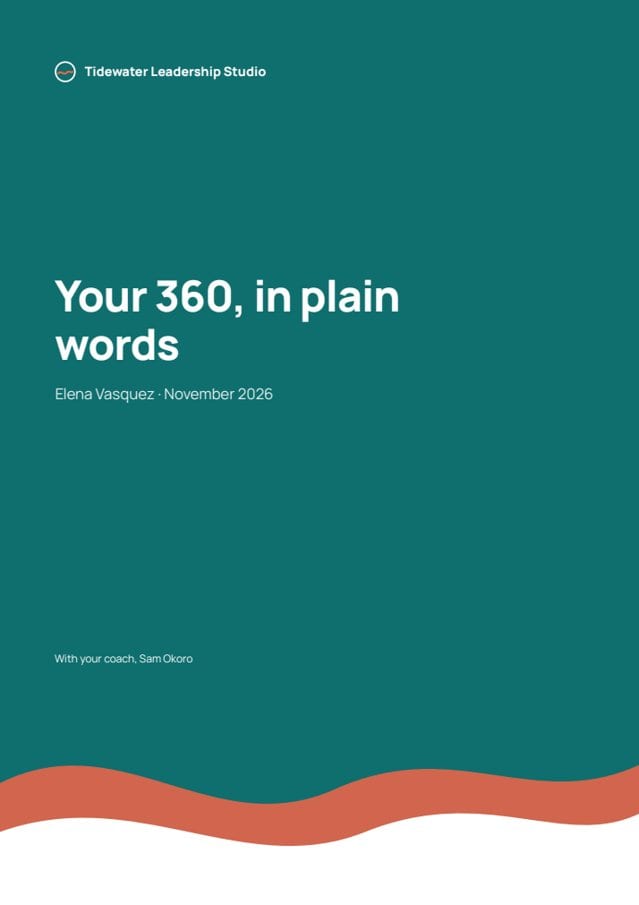
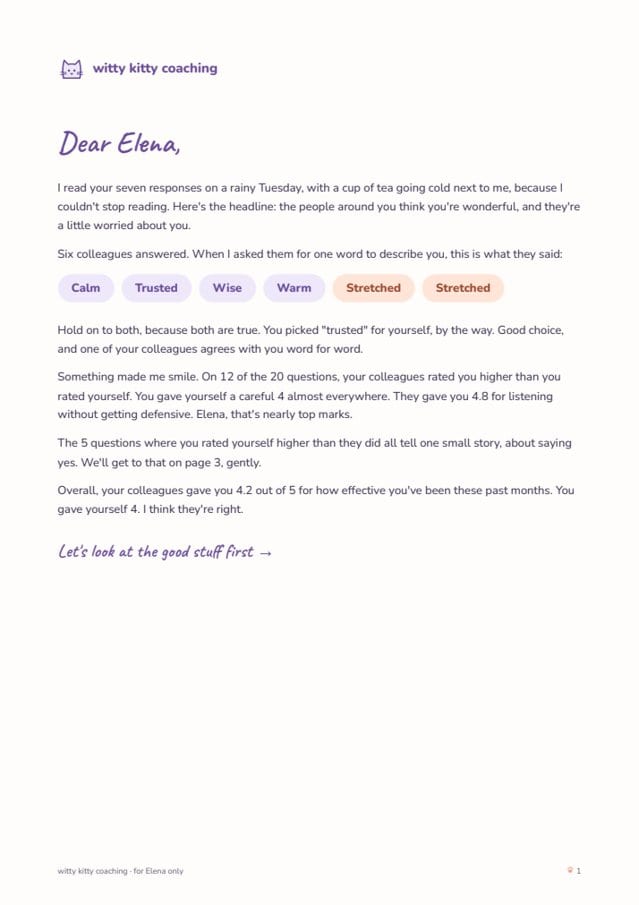
2. Your own AI runs the 360. Connect Org360 to Claude, ChatGPT or Gemini and you can ask, in plain words, for a Leadership Pulse for your client, a survey drafted from a description, a reminder to the raters who haven't answered, or the scores in a Google Sheet. Nothing is sent until you confirm. Then you ask for the report in your own structure, branding, coaching model and voice, and save that format as a skill so the next client's report starts from it. The skill lives in your AI account; Org360 doesn't keep a copy.
Our AI page explains how this works step by step. If you'd rather use a normed instrument, our guides to the Hogan assessment and the Leadership Circle Profile explain when each fits.
5 questions to ask any 360 vendor about AI
- Which AI model writes the summaries, and is our data used to train it?
- Are names removed before comments reach the AI?
- Can a person edit or approve AI text before the report is released?
- Does the connector respect confidentiality thresholds, so my AI can't see what I couldn't?
- What can the connector change, and does every change need my confirmation?
Frequently asked questions
Do 360 feedback tools use AI?
Most do. The common uses are AI-written summaries of comments, suggested development actions, AI coaches inside the platform, and connectors that let your own AI read the results. We found no AI feature described for the Leadership Circle Profile or Zenger Folkman's 360.
Which 360 tools have an MCP connector?
As of 15 November 2026, Lattice, Culture Amp, 15Five, Leapsome, Workleap and Org360 publish one, among others. Most let your AI read results and make limited changes. Org360's lets your AI set up and send a survey and build the report in your own format.
Is it safe to put 360 comments into AI?
It depends on the setup. Check whether names are removed first, whether the provider trains on your data, and whether confidentiality thresholds still apply. Org360 removes names before comments reach the AI, uses Claude only, and its AI connection is set so data isn't used for training.
Does Hogan use AI?
Yes. In July 2026 Hogan bought Convogo, which drafts an initial interpretation of Hogan results combined with other inputs. Certified users review and refine it using their training.
Can AI write a 360 report?
Yes. Several tools now write report summaries and development suggestions with AI. The better ones let a person edit and approve the text before release, and show which comments a summary came from.
Sources
All checked on 15 November 2026. Vendors change these pages often, so check the current version before you decide.
- Hogan: acquisition of Convogo
- CCL: integrating AI in leadership development
- EchoSpan: AI insights toolkit
- Lattice MCP integrations overview
- Culture Amp: our approach to AI
- Culture Amp: activate MCP
- 15Five pricing
- 15Five MCP feature overview
- Leapsome MCP
- Leapsome help center: MCP
- Qualtrics 360 Development
- Leadership Circle Profile
- Zenger Folkman 360
- Org360: run 360s from your AI
Get new research by email
About one email a month, when we publish something new on coaching, 360 feedback and engagement surveys.
We'll email you once to confirm. Unsubscribe anytime. See our data protection policy.